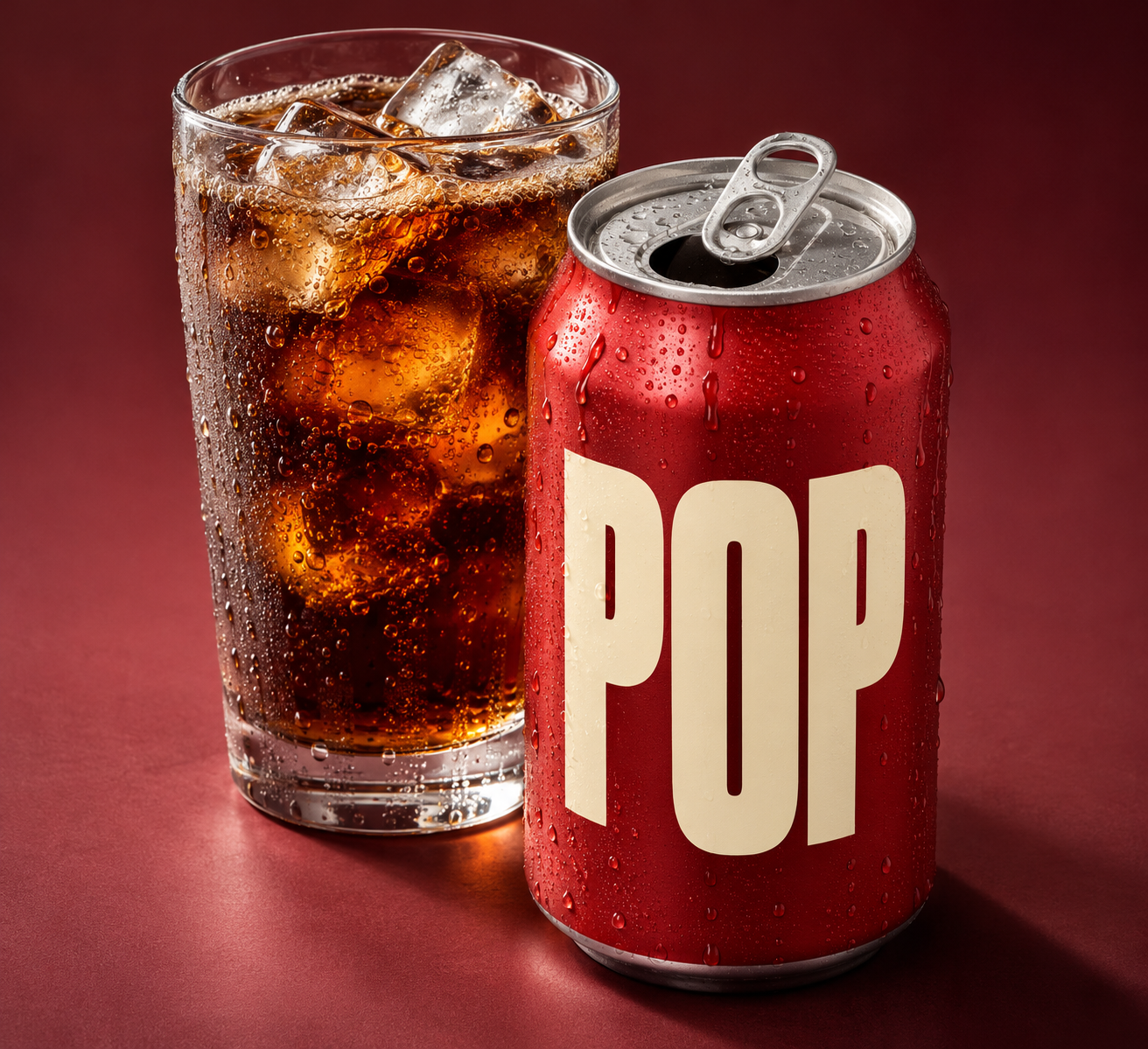
AI can generate a convincing product image. It does not, by itself, solve the production problems around that image or generating an image library.
Brands need product visuals that work across product UI, ecommerce, campaigns, retail, and social channels. A single item might need several backgrounds, views, groupings, and file formats. Each variation adds decisions about product likeness, material, scale, lighting, shadows, framing, and delivery.
Left: ChatGPT’s default text-to-image output of a fictional soda can and glass of cola prompt.
The challenge is creating enough useful assets without losing control of those details or relying on a new photoshoot for every combination. I saw a version of this challenge while leading the brand experiences team at Uber. Product imagery sometimes had to bring an Uber Eats delivery bag together with different products, seasonal promotions, or partnerships. Producing those combinations through photography or stock imagery could involve substantial scheduling, budget, and approval work, while still limiting which products and situations could be represented. Meanwhile, team members needed quick solutions to meet short deadlines and compositional flexibility.
It led me to explore a broader question: Could generative AI make product imagery more accessible through a carefully designed workflow with results that are easier to review and use?
Many 3rd party tools are also attempting to solve type of a production-based workflow solution, however successful, they come with additional business challenges including expensive subscription models, credit budget management, onboarding and education, and trial-and-error trying to build a workflow within their constraints.
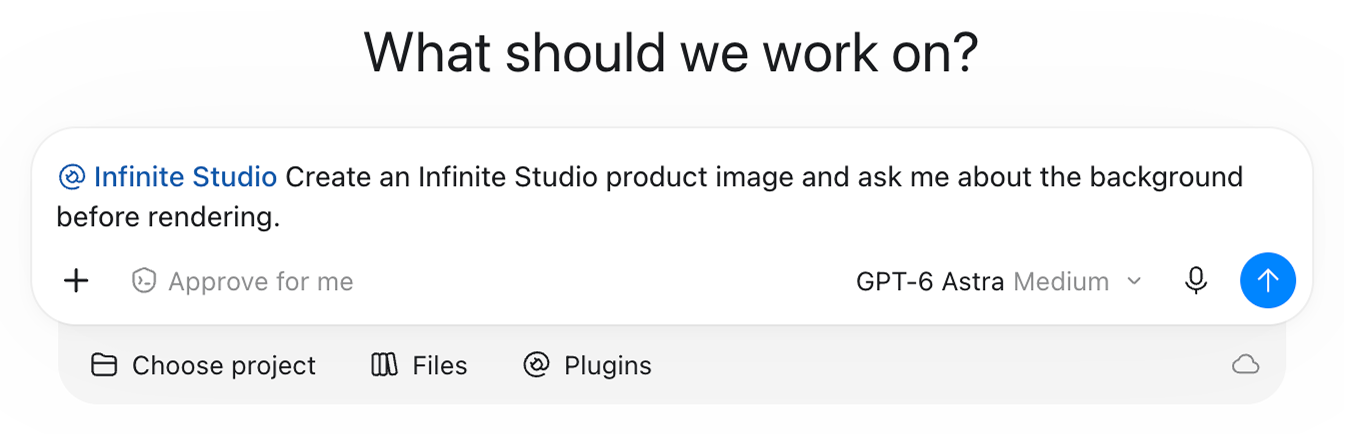
Instead, I built “Infinite Studio”, a ChatGPT plugin, as a personal project to test my theory: a lightweight, locally managed desktop plugin for generating, reviewing, and preparing product images. The central idea was to make the workflow around image generation more dependable, with clear inputs, software-checkable requirements, personal credit management, built within a single AI tool, and maintain a person reviewing the qualities that still need judgment.
Designing around the production problem
The first decision was what not to build. I did not have a library of 3D product models, and creating one would have raised the cost and effort of the prototype. A 3D workflow can offer more control over views and lighting, but it depends on the right models and production setup. I wanted to test whether a simpler text-to-image workflow could meet enough practical needs to be useful.
I also wanted the process to feel familiar to creatives and non-creatives alike. Rather than begin with a complex node-based or batch-generation system, I built around a conversational interaction in ChatGPT. The aim was a low-investment way to direct a scene and its output using one accessible tool.
That choice shaped the prototype’s division of work. AI generates the objects, materials, lighting, and shadows. Software handles requirements that can be checked directly, such as the final canvas size, margins, background color, and whether the requested delivery is solid, transparent, or both. The workflow carries scene and camera settings forward between requests.
Other requirements still need a person to review the image. Product likeness, material appearance, object relationships, and whether a requested camera change is actually visible cannot be established just by saving a setting or reading a prompt. A camera value can guide generation, but it is not proof that the image shows that view.
Defining a review process is also part of the production design. It gives the user a chance to catch errors and hallucinations before finalizing an image, avoiding wasted generations where possible. The prototype is an assisted workflow with validated file properties and required visual review not an automatic approval system.
Building a virtual studio
A virtual studio needs to account for more than the pixels behind an object. Changing a white background to red also changes the environment the product appears to occupy. Glass transmits and refracts its surroundings; metal reflects them; plastics and organic surfaces vary in sheen, texture, and opacity.
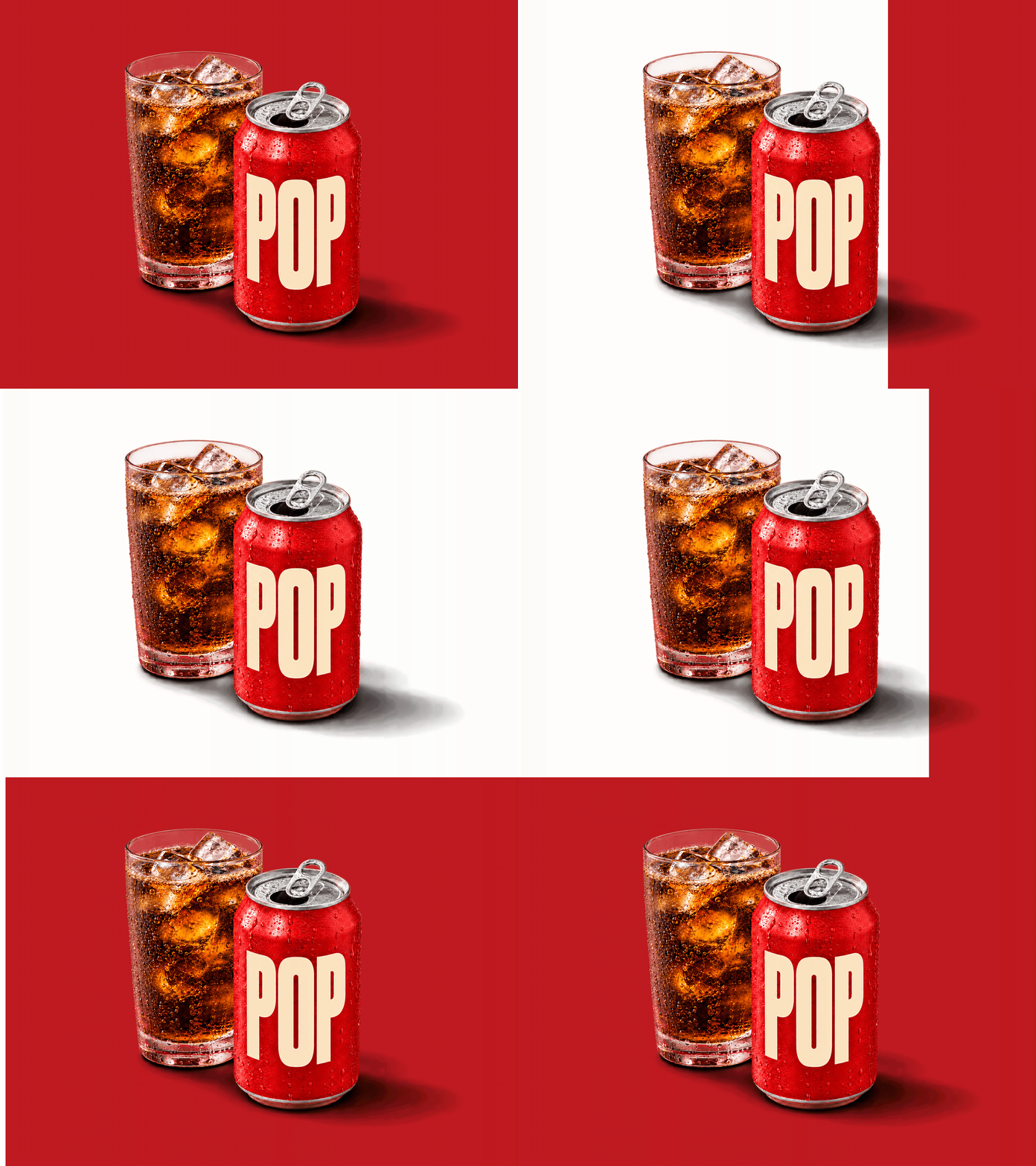
Infinite Studio uses the selected background color to guide environmental reflections and fill while keeping a neutral key light. When the background changes, the scene’s lighting is regenerated. For solid exports, software composites the final background to the requested color outside the object and shadow areas.
Transparency creates a different tradeoff. A transparent PNG can be placed into another layout, but it keeps the lighting from the scene in which it was made. A glass rendered against red retains red reflections when placed elsewhere. The file is easier to compose, but the object is not automatically relit for its new setting.
The workflow also asks the reviewer to check whether shadows ground the objects, how they fall across the surface, and whether objects cast shadows on one another. For transparent exports, previews against light, dark, and checkerboard backgrounds help reveal halos, leftover background, or damaged edges. The lighting is AI-generated and judged by eye; it is intended to look plausible as studio photography, not to reproduce measured physical light.
Testing from single objects to scenes
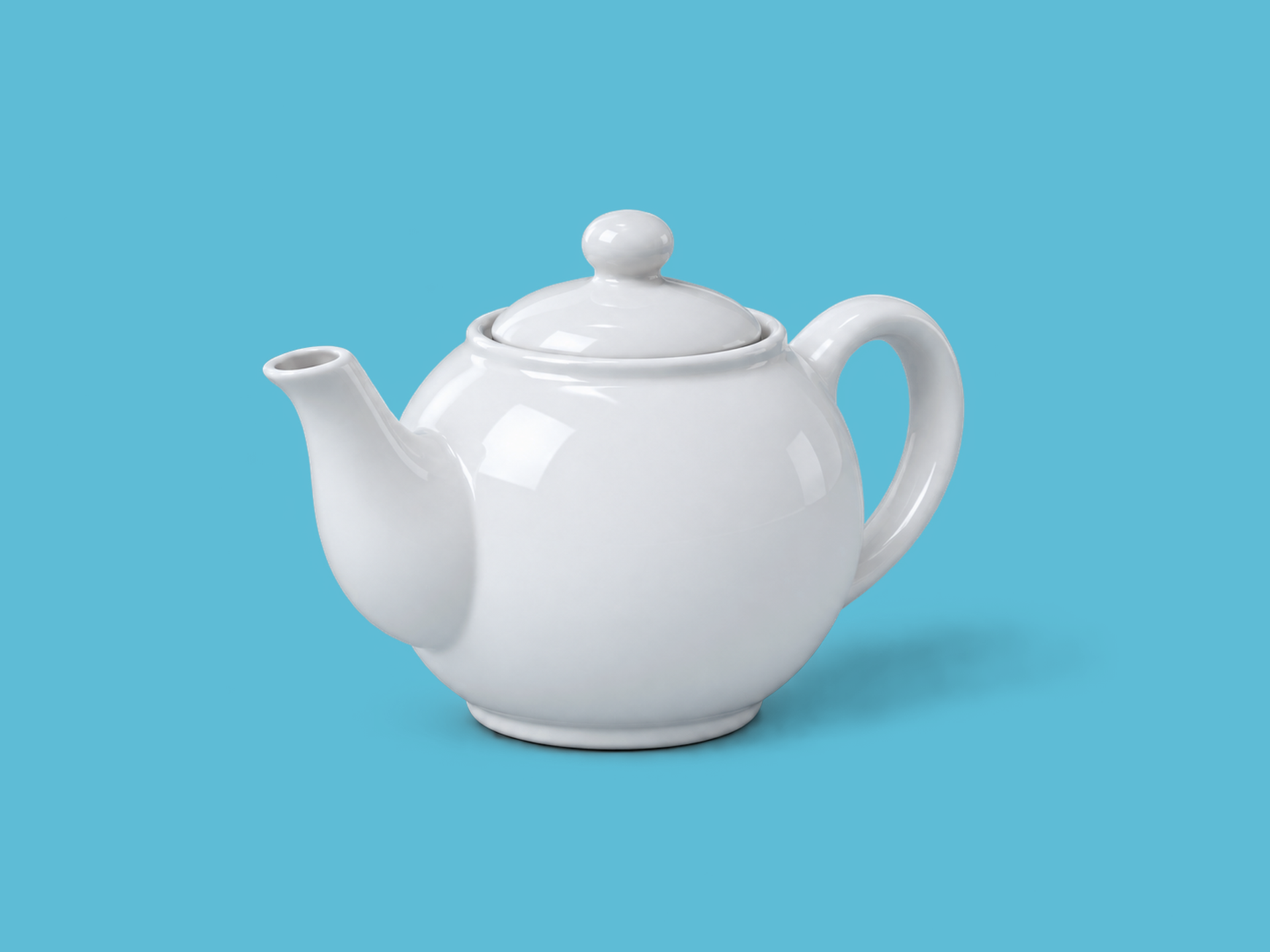
I tested the workflow in stages. I began with single objects—a potted snake plant, a glass of iced soda, and a ceramic teapot—on specified HEX backgrounds. Then I changed the teapot’s material to chrome, yellow hard candy, and red gelatin to see whether the workflow could preserve the requested shape and camera direction as the surface changed. I also tested solid and transparent backgrounds.
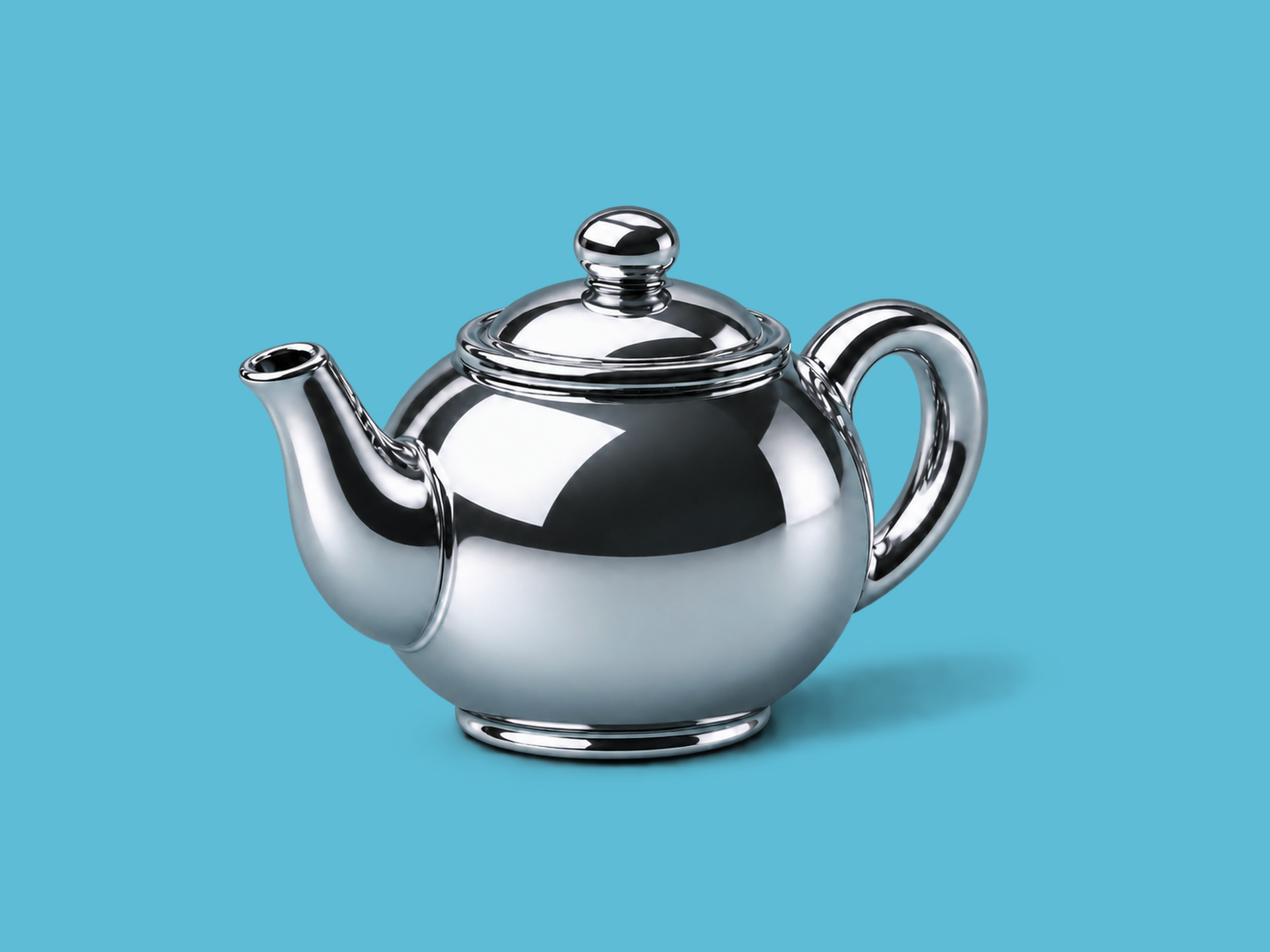
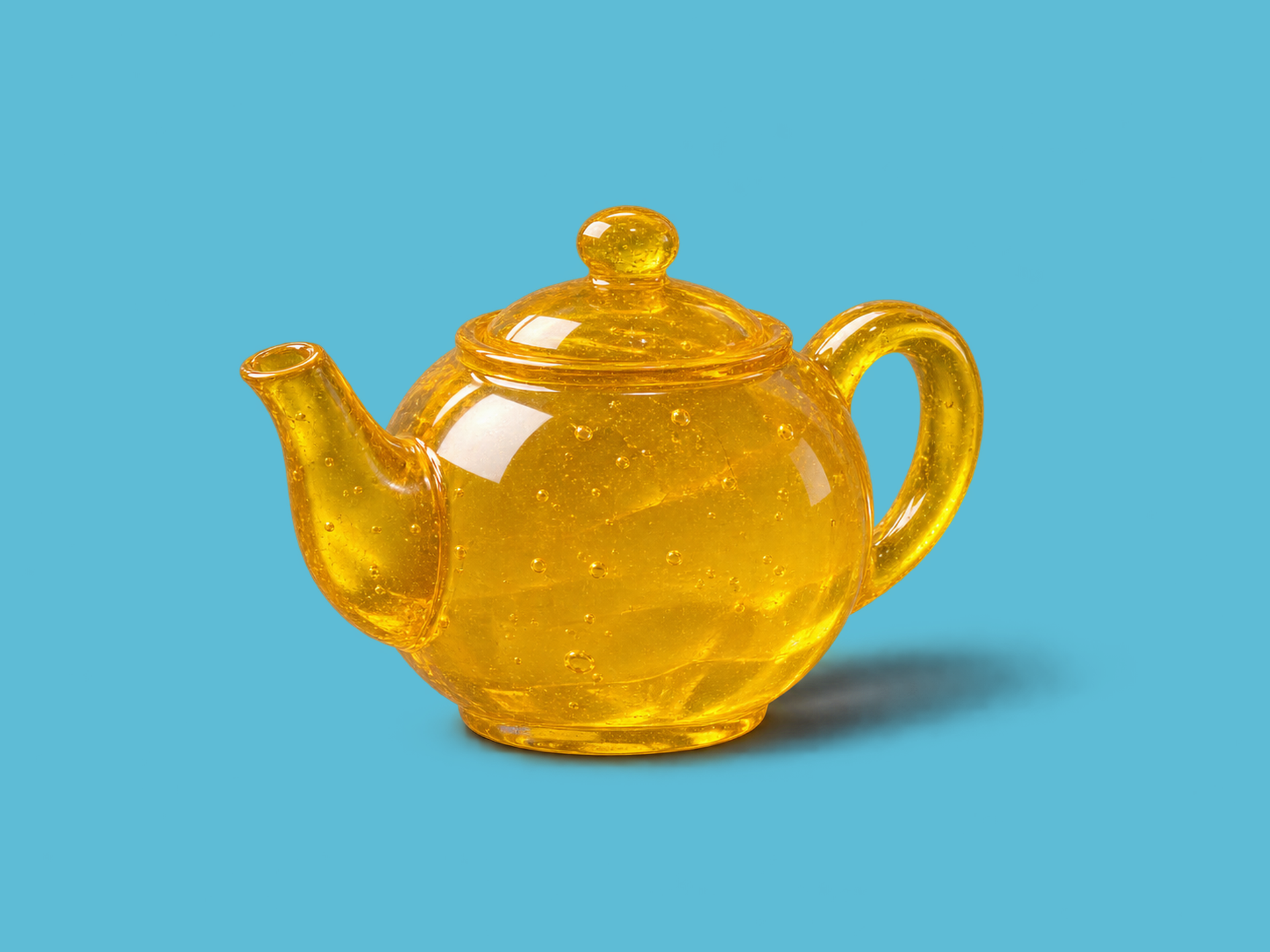
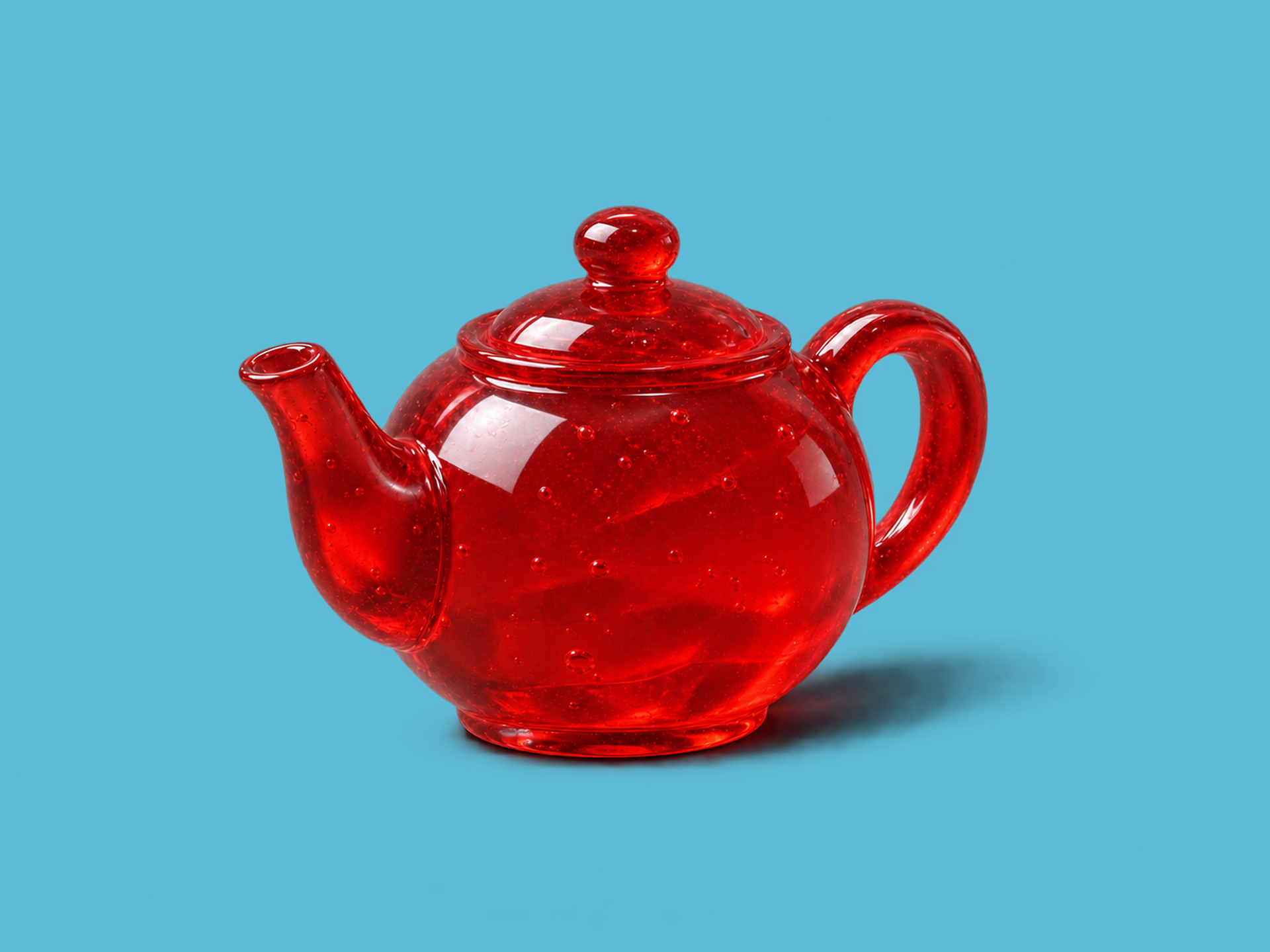
Once those basic instructions were working, I moved to groups and arrangements: stacks of vintage televisions and groups of pumpkins, for example. These scenes tested whether the prompt could describe counts and relationships, and whether the image kept the objects’ placement, lighting, and shadows coherent while fitting the requested canvas.
The next test combined several difficult details: an opened can for a fictional cola brand called POP, positioned slightly in front of a glass of iced cola. The scene brought together reflective aluminum, transparent glass, liquid, ice, condensation, typography, and overlapping objects. I tested background colors, transparent exports, and camera positions.
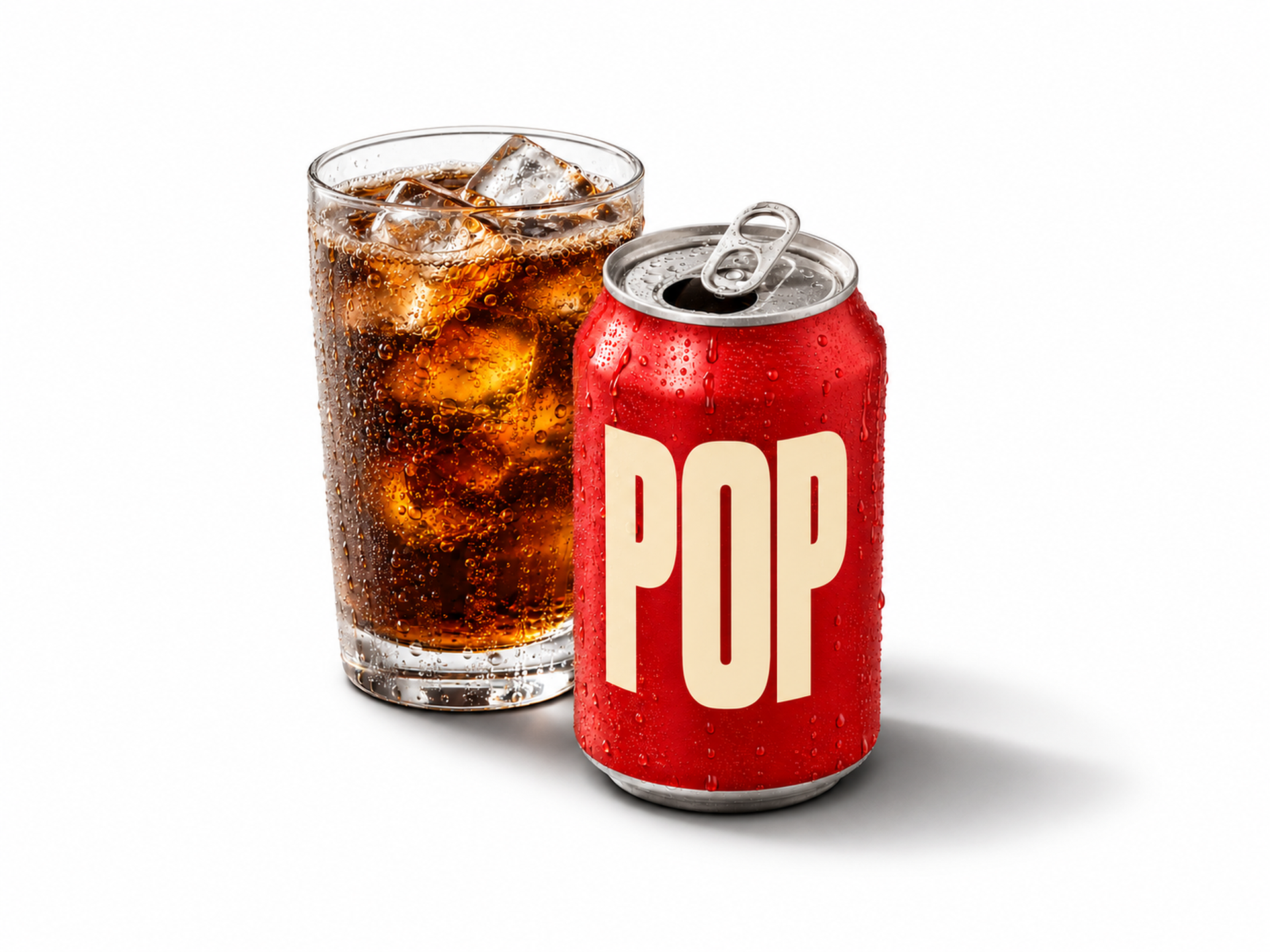
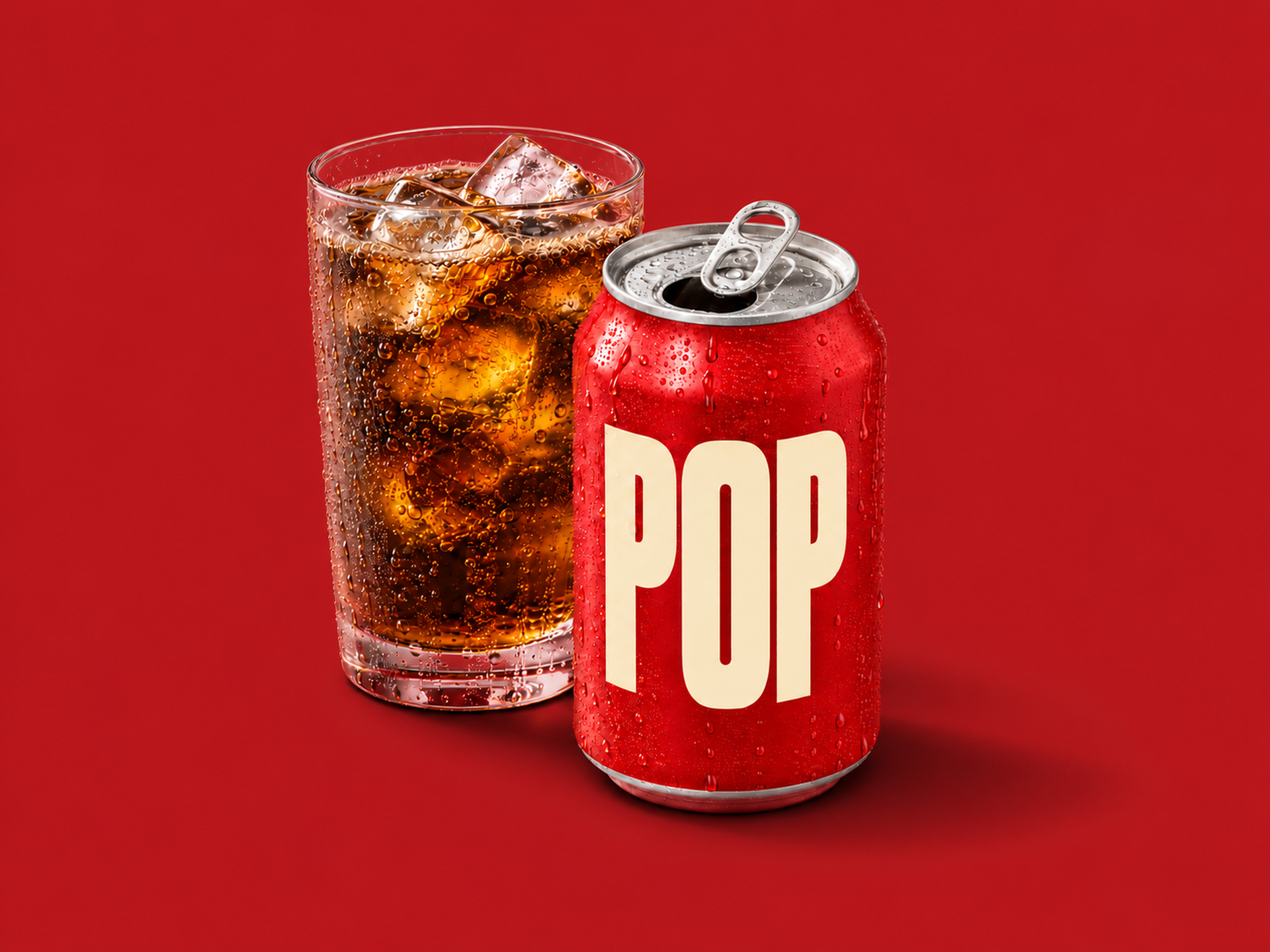
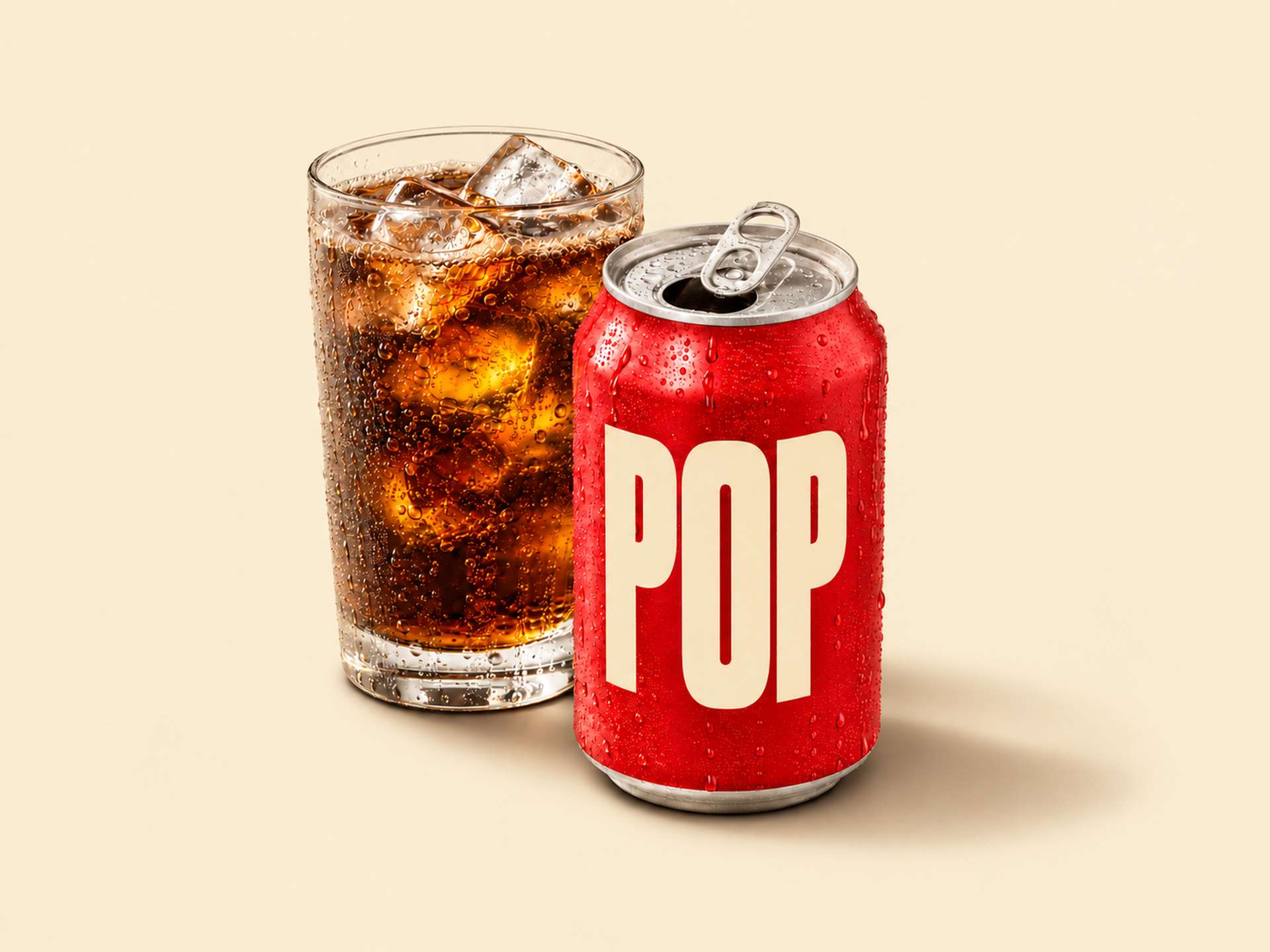
The tests showed where the workflow helped and where it needed clearer instructions. Some requested camera changes produced images that stayed close to the original front view. I rejected those results and made the desired view more explicit—for example, by describing which side of the can should be visible and how the label should wrap away. That improved the image, but the resulting angle remained approximate. The test reinforced a useful distinction: a setting records what was requested; visual review checks what the image actually did.
Software checks answered a narrower set of questions. Tested solid exports were 1920 × 1440 pixels, and the background color matched the requested value outside the object and shadow areas. Those checks confirmed file properties. They did not confirm that the packaging, label, material, scale, or angle was accurate enough for a brand to publish.
What the prototype proves and what it doesn’t
The first working prototype came together in a few hours, followed by less than a week of iteration and testing. That produced a packaged desktop prototype with saved scene settings, background confirmation, material-aware lighting instructions, review steps, and validated exports.
This is evidence that a lightweight AI workflow can support more than a single image prompt. A custom plugin can guide users through multiple steps, preserve decisions, apply software checks, and prepare files. The project did not measure production time saved or prove that the images are reliable across a commercial catalog. It also did not include batch processing, positional or modular lighting, shadow accuracy, motion or video generation, cloud storage, user accounts, or guaranteed product fidelity.
Those limits point to the next questions. Could the workflow handle a broad set (100s+) of real products and packaging? Would it preserve brand details across repeated views and background changes? How often would an image pass review on the first attempt? Would it reduce turnaround time, expand the number of usable assets, or both? Answering those questions would require a pilot with real product references and agreed measures of quality, effort, and cost but the potential exists for teams small and large.
Generating brand opportunity
For me, the strategic opportunity is not simply to replace a photoshoot with a prompt. It is to identify which parts of a brand production process benefit from generation, which requirements software can verify, and where human judgment must remain.
Generative AI becomes more useful for scaled brand solutions when the workflow makes those boundaries clear and treats every output as an asset to review, not an image to assume is ready for deployment.